01
Transfer motion
Use one character image for identity and a reference clip for supported body movement, gestures, and performance.
Motion Transfer
Apply body motion from a reference clip to a character image, or replace a person while retaining the source scene and camera. The two modes stay separate so every input has a clear purpose.
Already have an account? Log in
Use only identities and source footage you have permission to transform.
Generating uses credits from a monthly plan, from $10/month. See pricing
 IDENTITY
01Two explicit workflows
02Real input/result preview
03Model and tier quote
04Consent-first guidance
Built for real creative work
Identity, movement, scene, and sound are separate creative inputs. The interface explains what each mode preserves before a generation starts.
Use one character image for identity and a reference clip for supported body movement, gestures, and performance.
Use a source video for camera and scene continuity while introducing the character identity you provide.
Keep the source camera and environment as guidance in replacement workflows instead of rebuilding the shot from scratch.
Choose supported character orientation and video settings that match the source material and selected model.
Clear reminders keep identity, likeness, copyrighted footage, and audio permissions part of the workflow.
The existing job system records provider state and can use configured fallback behavior without presenting it as a guaranteed result.
Real workflow example
Each item is labeled by the role it plays in the workflow, so the result is never confused with the media it came from.
Example workflow
Start with one identity image and one motion clip. The result keeps the character while following the reference movement.
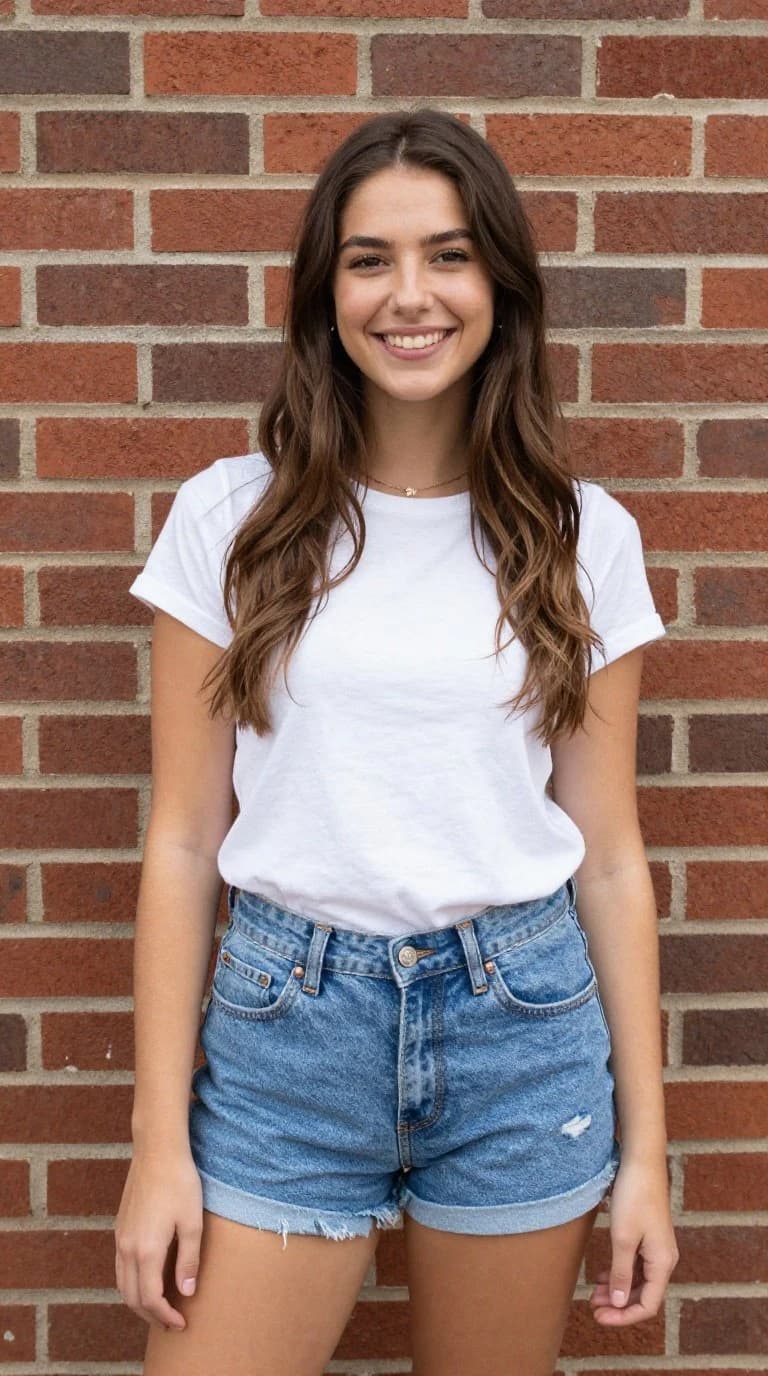
The character whose identity and appearance should be preserved.
The body movement and timing to apply to the character.
The identity character performs the reference movement.
Both example videos are silent. The identity portrait is transformed into a moving result that follows the dance shown in the motion reference.
A clear workflow
Decide whether you want to transfer motion to a still character or replace a person in an existing scene.
Upload the character image and reference/source video, then confirm you hold the necessary rights and consent.
Choose the supported tier, orientation, sound behavior, and other valid settings for the selected mode.
Confirm the quote, process the job, and review identity, movement, scene continuity, and sound before use.
What you can do
Important limits
Questions, answered
Motion transfer uses a character image as the visual identity and a reference video as the movement guide, producing a new clip that follows the supported motion workflow.
Character replacement keeps the source video as the scene and camera reference while replacing the visible person with the character you provide.
Yes. Upload only media and identities you own or have clear permission to use. Do not impersonate, deceive, harass, or create unlawful intimate content.
The workspace offers original-sound controls when the selected workflow and model support them.
No. Results depend on pose visibility, framing, occlusion, motion complexity, source quality, and model behavior. Review the output before publishing.
Continue creating
Prepare a clear identity reference and a permitted source clip, then review the exact workflow and cost before generation.